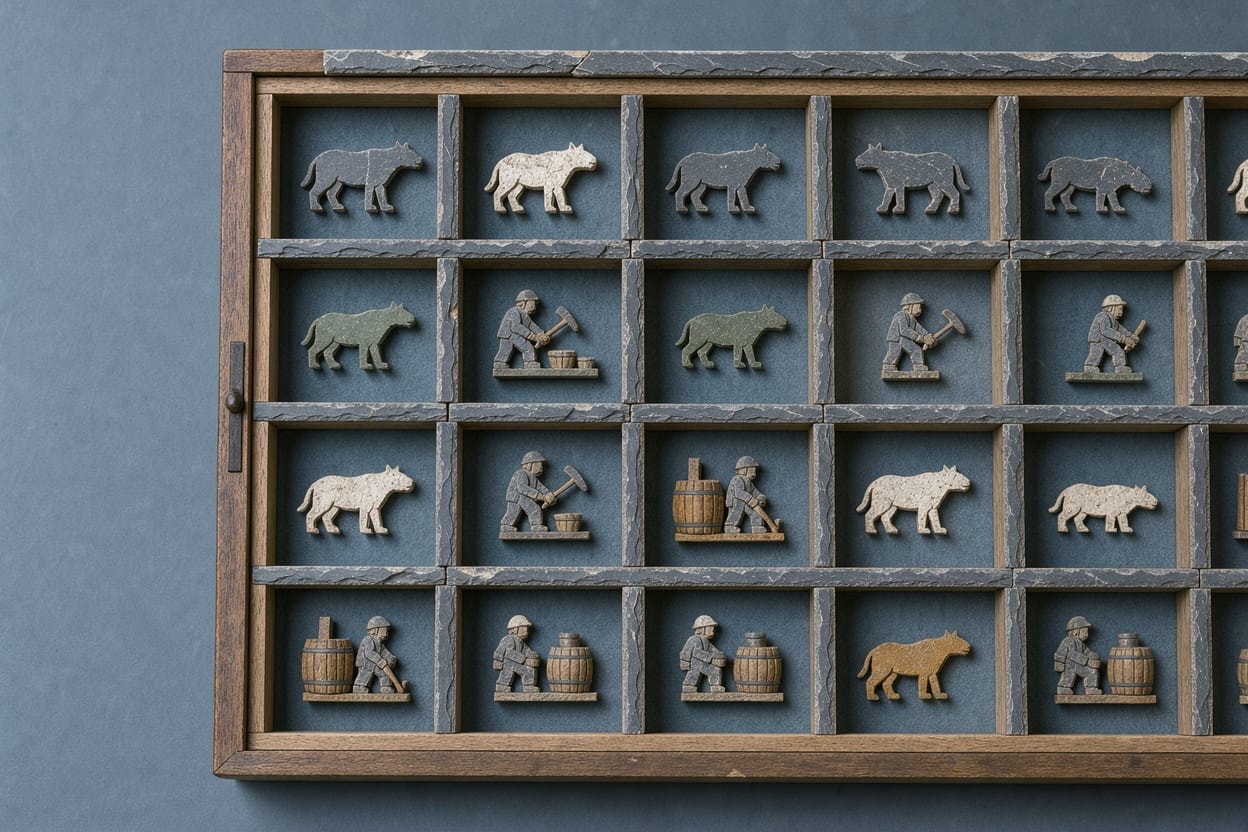
Give a creature a second drawing
A character set changes the basic alphabet used for both text and the map. The early graphics system added drawings for creatures. A dwarf’s current occupation could help select which image appeared. The rock behind the dwarf and the menu listing the rock still depended on the base sheet. This explains why a pack could draw a beautiful miner and leave the rest of the fortress looking familiar.
A pack generally paired a picture sheet with definitions locating the right graphic for a creature or role. A spare image sitting in the graphics directory is only half an installation. The game needs to know where each cell begins and which creature can use it. The intended base sheet also matters. An unfortunate mixture of two systems can make the unit list readable while the map appears to be speaking another language.
What the early collections contained
| Type of set | A concrete example from the 40d collections |
|---|---|
| Profession portraits | Dystopian Rhetoric supplied distinct art for many jobs. Some related specialists shared the same picture, such as a blacksmith using a metalsmith tile. |
| Combined sets | Dystopian Qantas mixed different art for civilisations and creatures. Dwarves could carry a tool suggesting their job. The associated bitmap and definitions belonged together. |
| Animals only | One collection supplied creature sheets in separate groups. A player could keep an existing dwarf style while expanding the wildlife. |
| Compact square sets | A 12-pixel square set fitted more of the settlement on screen than a 16-pixel set. The finer details of tools and uniforms had fewer pixels to work with. |
| Rectangular sets | Tall cells offered recognisable figures and readable writing, while making a square room look elongated. |
| Additional civilisations | Art for a custom people supplied their appearance. Their actual existence in a world depended on the matching game definitions. |
The Premium edition includes drawn terrain, creatures and buildings of its own. Its graphics definitions and packaging differ from those in a 40d installation. Before trying a pack, find its intended version and whether it changes art alone or also contains world definitions. A pack made for an earlier interface can have attractive art and still be a poor fit for the files in front of you.
Test one unit and one screen of text
Set up a separate test installation for a classic pack. Keep the working art, settings and matching object definitions together. Change one set at a time. A test fort with a miner, a farmer and a few domestic animals gives a wider sample than a title screen. Examine the unit list and compare it with the characters walking on the map. Check a busy workshop tile while a worker stands on it.
If every creature uses the base symbol, check the graphics setting and the mapping that selects the sheet. If pictures are cut in half, check the cell size and sheet dimensions. If the miner appears as a fish, examine the creature-to-cell mapping. If letters in dialogue have become tools, investigate the base character sheet. These four failures look different because they happen at different stages of drawing the map.
An isometric viewer reads the map and draws a separate view of the settlement. That is a different kind of tool again. It can explain a confusing vertical layout while leaving the actual game interface untouched.
Read a classic pack description before installing it
A sheet described as a full set can still reuse a common tile across several professions. One collection supplied separate sheets for biomes and civilisations with nearly all of the contemporary creatures covered, and identified fish as one of its gaps. Other sets concentrated on dwarves, jobs, fortress officials or just a particular family of animals. Missing art can therefore be a documented limit of the pack.
A sheet and a mapping can be distributed separately. In the 40d system an image converted to the wrong format or filed in the wrong art directory could leave the mapping pointing at nothing. Read its declared cell dimensions and grid size. If the first creature works and the last row fails, inspect the sheet bounds and indexing before replacing every file. Alternate-civilisation art needed separate creature and entity data to put the people it depicted into the game. A new tile on a sheet was never, by itself, a new inhabitant.
Match the artwork to the declared cell
Two rectangular entries in the earlier catalogue used eight-by-twelve and fourteen-by-sixteen cells. With an eighty-column, twenty-five-row view those imply 640 by 300 and 1,120 by 400 pixels respectively. A twelve-pixel square sheet gave 960 by 300. The common sixteen-pixel square set gave 1,280 by 400. These are dimensions of the shown map area, distinct from the dimensions of the picture file holding all the sprites.
Some complete packs combined a selected square character sheet with several creature sheets and an example settings file. Other entries offered just a picture and expected the player to add the definitions. Before moving a file, identify exactly which component it supplies. A dwarf shown in the right profession but the wrong colours suggests a different problem from every creature being sliced at the wrong width.